Kontrollera mitt cPanel-e-postmeddelande
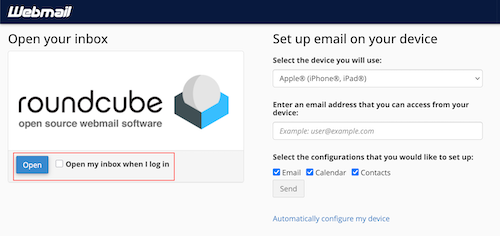
After you've set up your email account, you can check your email through cPanel's built-in webmail client, Roundcube.
- Gå till http: // ditt domännamn / webbmejl .
- Logga in på cPanel.
- Under Roundcube, select Open.
- (Optional) If you want to sign directly into Roundcube, check the box next to Open my inbox when I log in.